

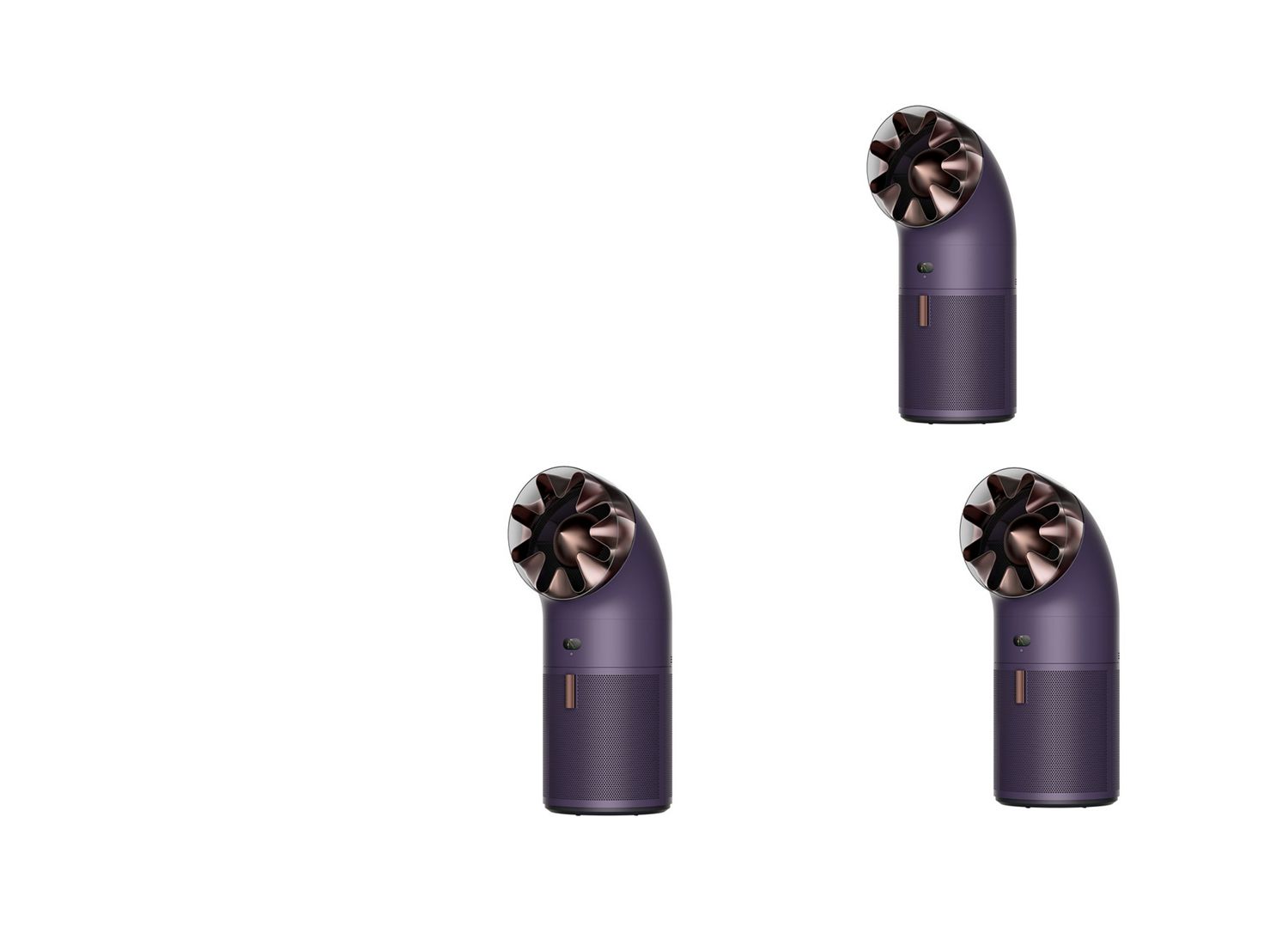
Support for Dyson HushJet™ Big+Quiet Cool Pure+ Formaldehyde air purifier
Here you can find set-up guides, helpful tips and advice, how-to videos, your user manual and more.

Meet your new purifier
-
Getting started
-
Maintenance
-
Changing your filter
Get the most out of your machine
-
Modes and controls
-
Your LCD screen
-
MyDyson™ app features
-
Changing your filter
-
Cleaning your machine
Modes and controls
-
Auto mode
Set your air purifier to Auto mode and the on-board sensors will intelligently adjust the settings of the machine according to the air quality. Your machine will lower the fan speed when the target air quality has been reached, switching on again when the air quality levels drop.
-
Sleep mode
In Sleep mode, your machine cleans the air quietly at a lower airflow speed. The LCD screen dims, then turns off after two seconds of inactivity so the light won’t disturb sleepers.
-
Change airflow projection angle
Rotate nozzle manually (180°) until the clik sound.
Select 45° for whole‑room purification or 6° for personal cooling.
-
Set timer
Press the timer button to select the desired timer from the LCD screen. The machine will turn off after the timer ends.
-
Airflow speed
Press the airflow speed button to increase or decrease the airflow speed.
-
Oscillation
Press the oscillation button to circulate the air around the room and scroll through the oscillation settings from 0° to 350°.
Your LCD screen
-
Indoor air quality
Air quality graph shows the last 12 seconds or 24 hours of data.
-
Particulate matter (PM2.5)
Microscopic particles up to 2.5 microns in size, suspended in the air we breathe. These include smoke, bacteria and allergens.
-
Particulate matter (PM10)
Larger microscopic particles up to 10 microns in size, suspended in the air we breathe. These include dust, mould and pollen.
-
Formaldehyde (HCHO)
A common indoor pollutant. It can be released for many years from furnishings, floorings and glue.
-
Volatile organic compounds
VOCs are typically odours that may be potentially harmful. These can be found in cleaning products, paints and furnishings.
-
Nitrogen dioxide and other oxidizing gases
These potentially harmful gases are released into the air by combustion, for example, the burning gas when cooking and in vehicle exhaust emissions.
-
Indoor temperature
Monitor the ambient temperature to help maintain a comfortable environment.
-
Indoor humidity
The amount of water vapour in the air, shown as a percentage.
-
Filters
The remaining filter life is shown on the LCD screen and will indicate when filters need replacing.
-
Wi-Fi
The current status of connection to the Wi-Fi network.

-
Get started
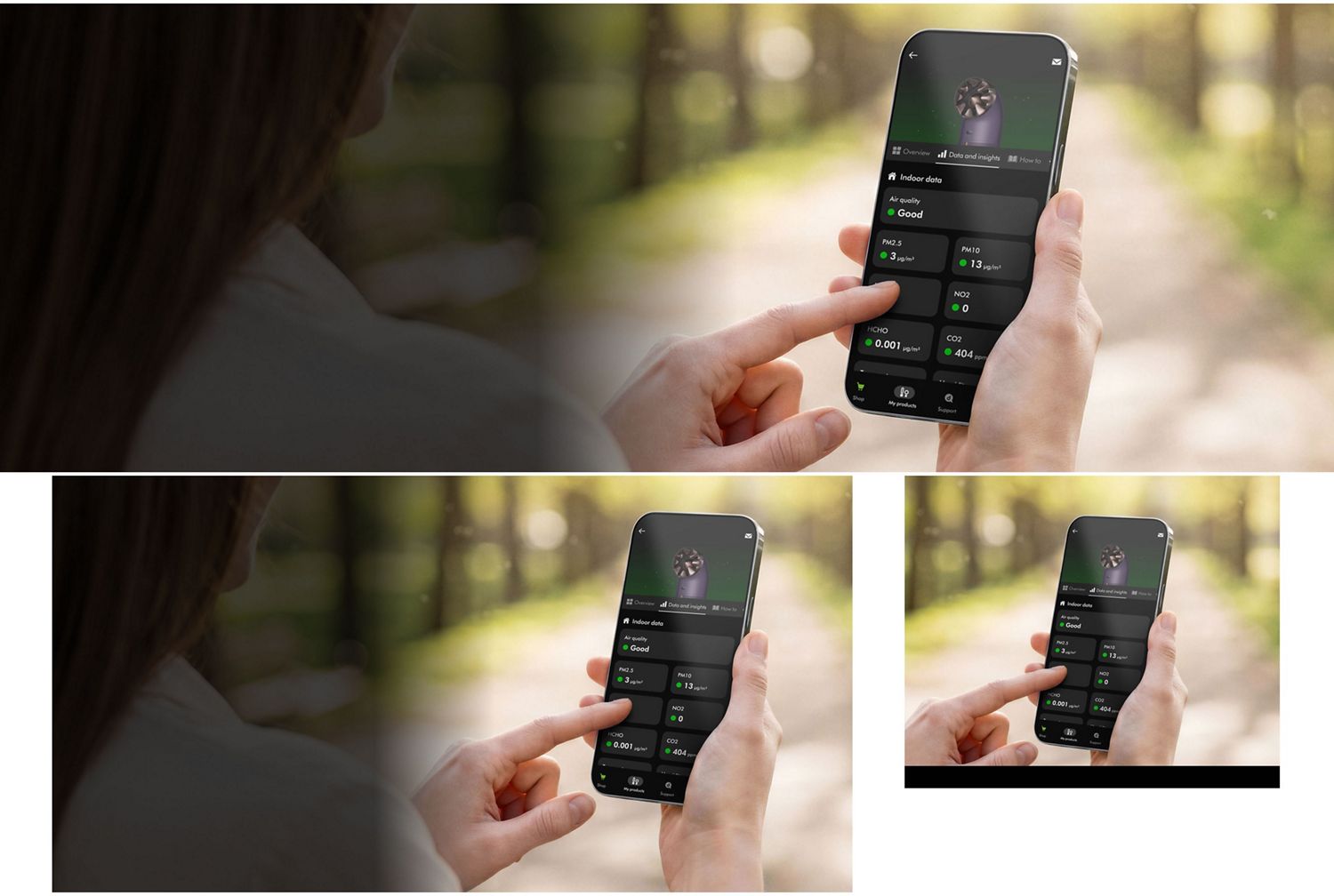
Download from the App Store or Google Play. Create an account, or sign in to your Dyson account and verify with the email code.
-
Enable permissions
Add your machine and enable Bluetooth and location permissions.
-
Scan machine serial number
Scan your machine’s serial number and confirm its details. Get support if you can’t find your machine’s serial number.
-
Manage your machine
Setup complete, you can manage your machine with your device. Explore the app’s guides, support, and settings.
App features
-
App control
Remotely control airflow speed, Auto mode, Sleep mode, and other settings – to tailor your indoor environment.
-
Smart home enabled
Connects with Apple Home, Alexa, Google Home, and Siri Shortcuts for effortless, reliable smart home control.
-
Filter alerts
Tracks filter life on the LCD screen and MyDyson™ app – so you can replace non-washable filters at the right time.
-
Real-time data
Keep up with the conditions in your home. With Auto mode on, your purifier adjusts to air quality changes and removes pollutants automatically.
-
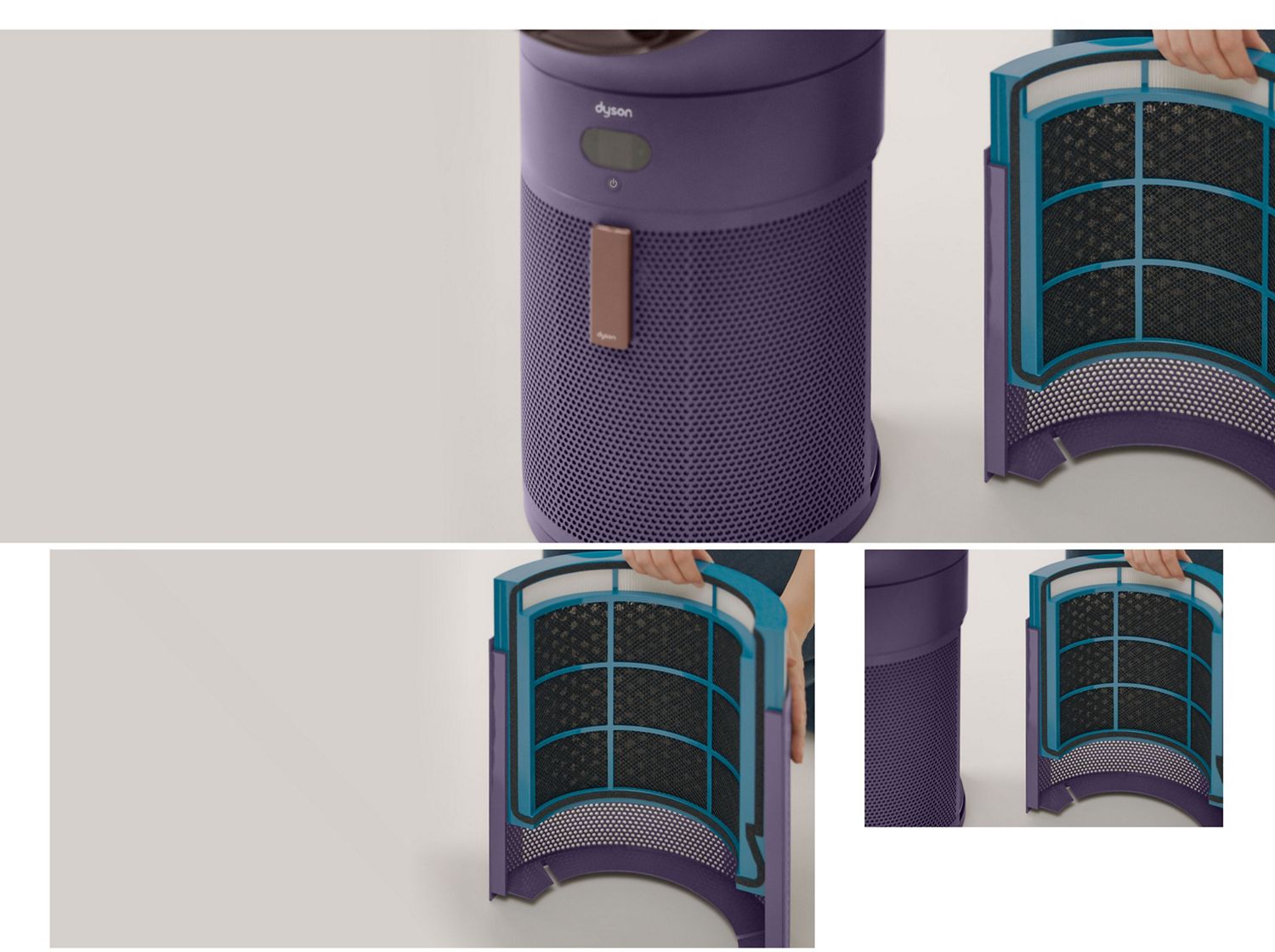
Remove the filter
- Pull the filter shroud away from the machine.
- Repeat on the other side.
- Slide out and dispose of both filters.
-
Install a new filter
- Unpack the replacement filter and slide it into the shroud.
- Attach it to the machine.
- Repeat on the other side.
- Switch on the machine.
-
Reset your filter life
- Press and hold the Standby button for 5 seconds.
- Use the Fan button to find the filter reset icon.
- Press and hold Select for 5 seconds to reset filter life.
-
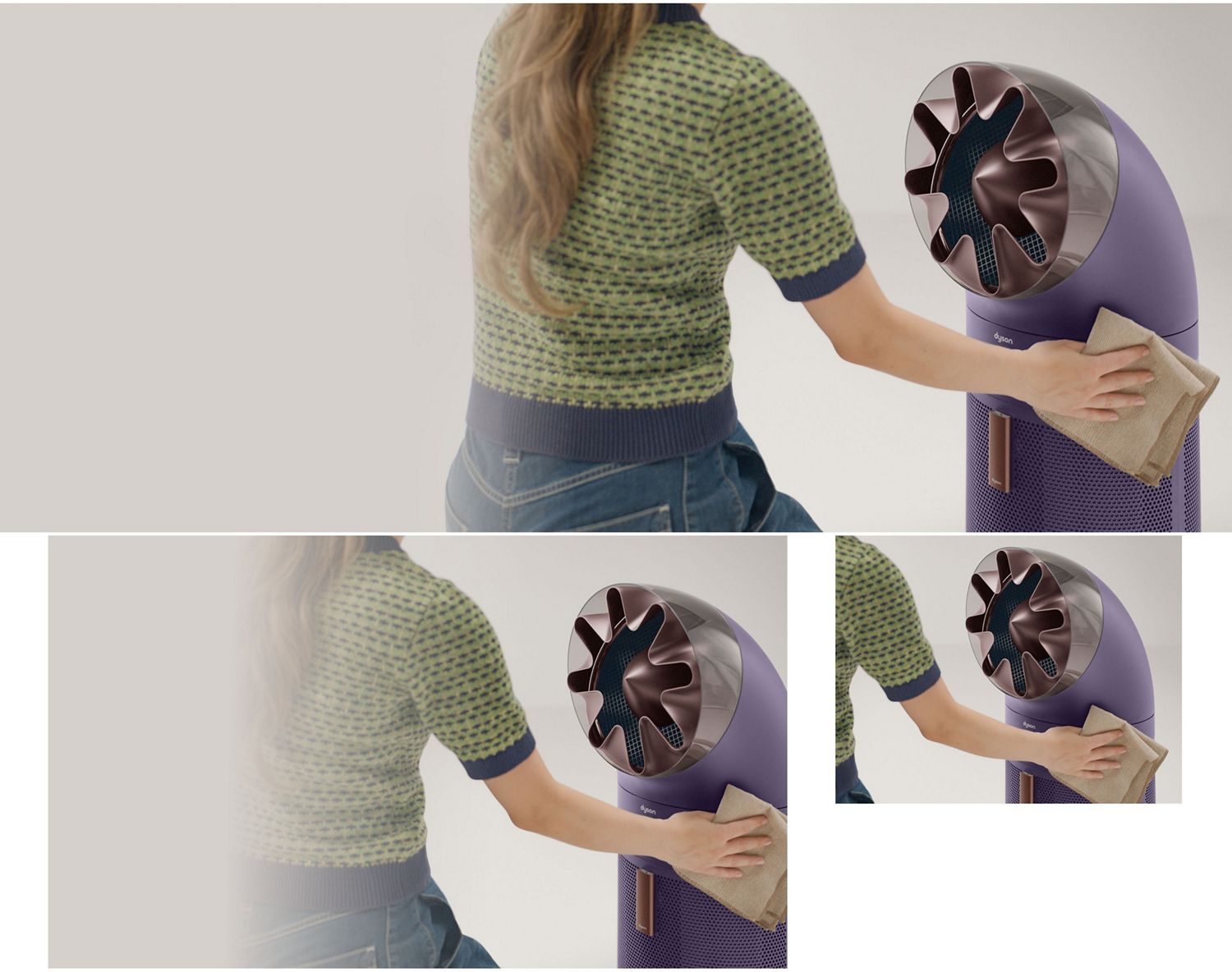
Clean your machine
- Wipe the machine with a dry cloth.
- Check the sensor inlets for dust and debris.
- Remove any dust using a soft brush.
- Do not use detergents or polishes.
-
Remove the nozzle
- Note the nozzle position before removal.
- Gently pull the magnetic nozzle away from the machine.
- Remove dust with a soft brush.
- If washed, ensure the nozzle is completely dry before refitting.
-
Install the nozzle
- Align the locator dots and place the nozzle onto the machine.
- Check it is securely attached.
Can't find your issue?
Genuine parts and accessories for your product
Dyson Support – Need help?
Frequently asked questions
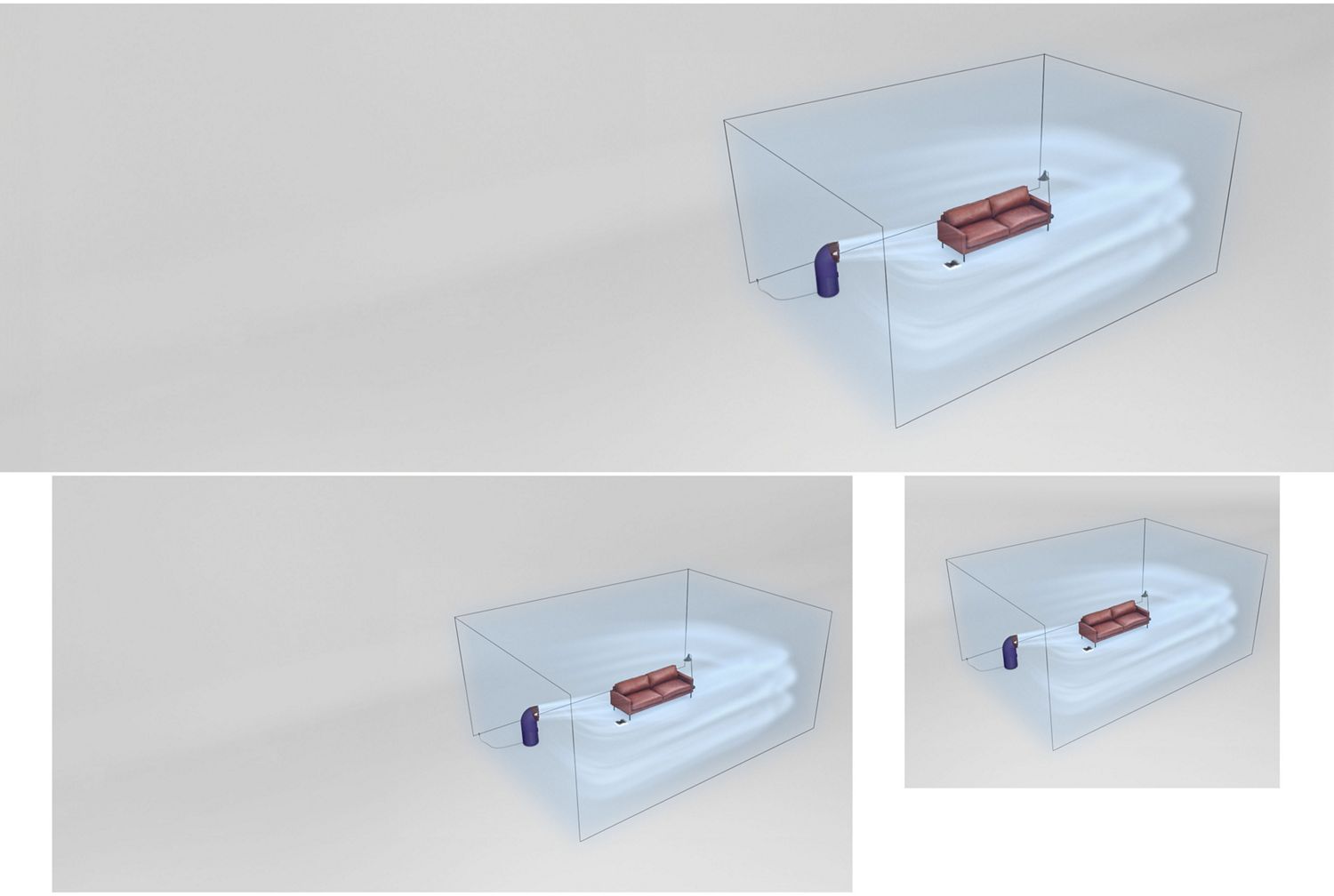
It delivers quiet, powerful whole-room purification while also providing cooling airflow in warmer temperatures. Air purifiers help capture airborne dust and other microscopic particles, helping to create a cleaner indoor environment.
The HushJet™ silencer is engineered to control airflow and reduce turbulence, while maintaining powerful yet quiet purification.
It captures 99.999% of microscopic particles as small as 0.01 microns.⁴
Yes. A chemical filter permanently destroys formaldehyde.
The machine is engineered to clean the room quickly, with performance capable of cleaning up to 70m² in 15 minutes – or up to 140m² in 30 minutes.²
With a clean air delivery rate of 700m³/hr, it delivers fast purification across large spaces.
It projects purified air up to 20 metres for powerful whole-room coverage.³
Yes. You can direct airflow forward for cooling or upward for purification only.
It captures both particles and gases, including VOCs, odours⁵ and ultrafine particles. Carbon filtration helps reduce household odours and gases⁵, while combined particulate and gas filtration helps improve indoor air quality. Dyson air purifiers can also help capture microscopic pollutants such as pollen, dust and allergens.
It uses a 360° Combi Electrostatic + Activated Carbon Formaldehyde filter to capture particles, destroy formaldehyde and remove gases and odours.⁵
¹Dyson simulation based on two rooms connected by an open door. Validated with physical testing. Actual performance may vary.
²Based on 1ACH.
³Based on Dyson simulation validated with physical testing. Actual performance may vary.
⁴Versus vertical projection design.
⁵Tested to Korea Air Cleaning Association standard SPS-KACA-002-132 (modified) in a 30m³ chamber, under controlled conditions. Actual performance may vary.
⁶Gas capture rates vary.
"⁹Requires device to run app, 2.4GHz or 5GHz Wi-Fi connection or mobile data, and Bluetooth 4.0 support. For app and voice services compatibility, please search for ‘MyDyson’ on the iOS App Store or the Google Play Store. Standard data and messaging rates may apply.
Apple, the Apple logo, and Siri are trademarks of Apple Inc. App Store is a service mark of Apple Inc.
Google Play, the Google Play logo, Google Assistant are trademarks of Google LLC.
The Bluetooth® word mark and logos are registered trademarks owned by the Bluetooth SIG, Inc. and any use of such marks by Dyson is under license."
¹¹Based on 12 hours use per day. Filter life varies according to pollution levels.
¹²Tested for capture of H1N1 virus, by an independent lab, using a 30m³ chamber for 60 minutes. Actual performance may vary.