

Have you registered your machine?
Register now to activate your guarantee, and for instant access to how-to-guides, user manuals, and more. You can also receive tailored support straight to your inbox.

-
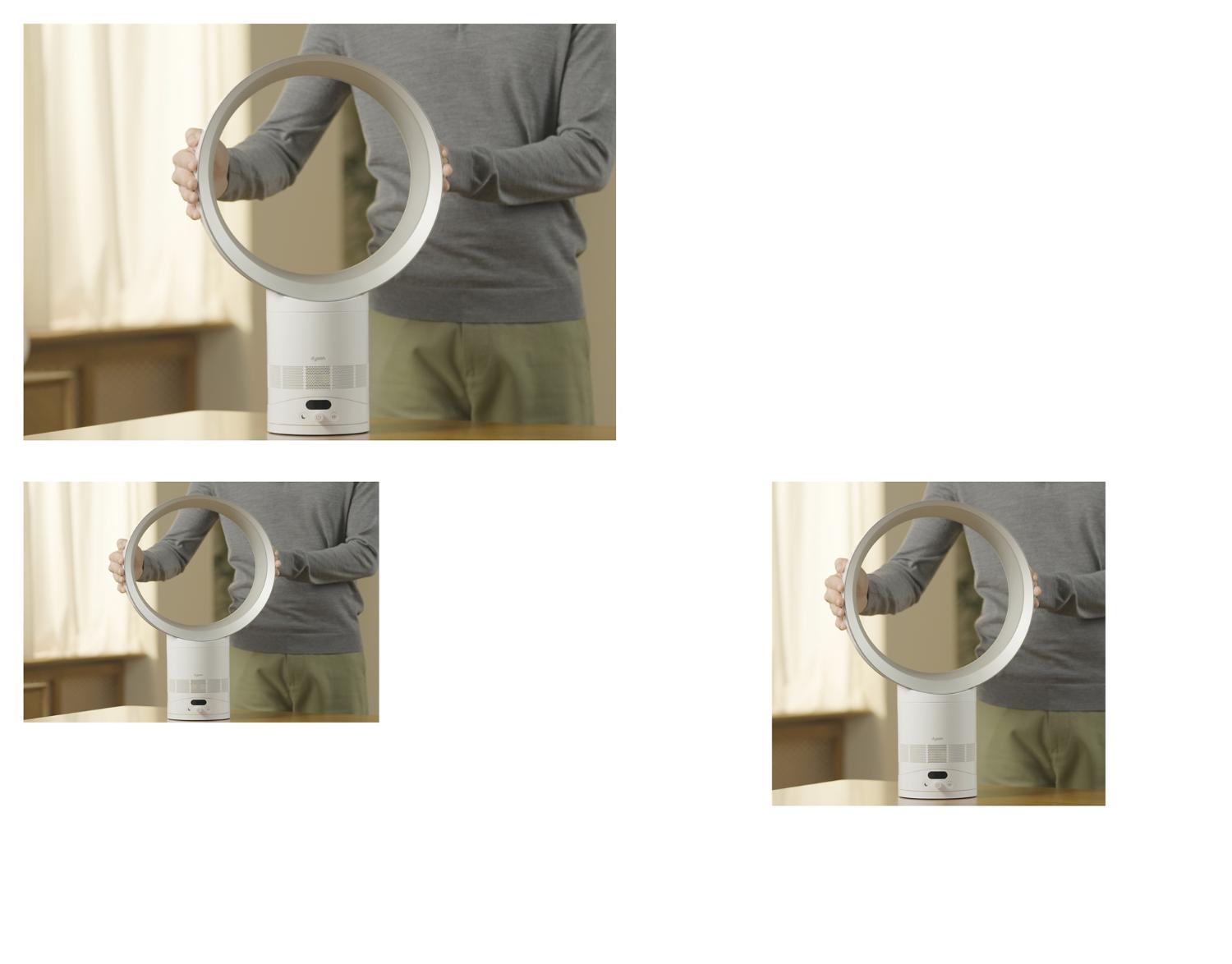
Understand your LCD Screen
The screen shows your chosen airflow speed. It also shows when Sleep mode is activated and displays Sleep timer intervals as you cycle through them.
-
Setting the oscillation angle
Watch our video guide on how to customise the angle of oscillation for your machine. Choose from a range between 15° up to 70°.
-
Sleep mode
Press the button with the moon icon for the quietest airflow settings and a dimmed display.
Maintaining your fan
How to clean your fan
Watch our step-by-step video guide to help keep your machine clean.

-
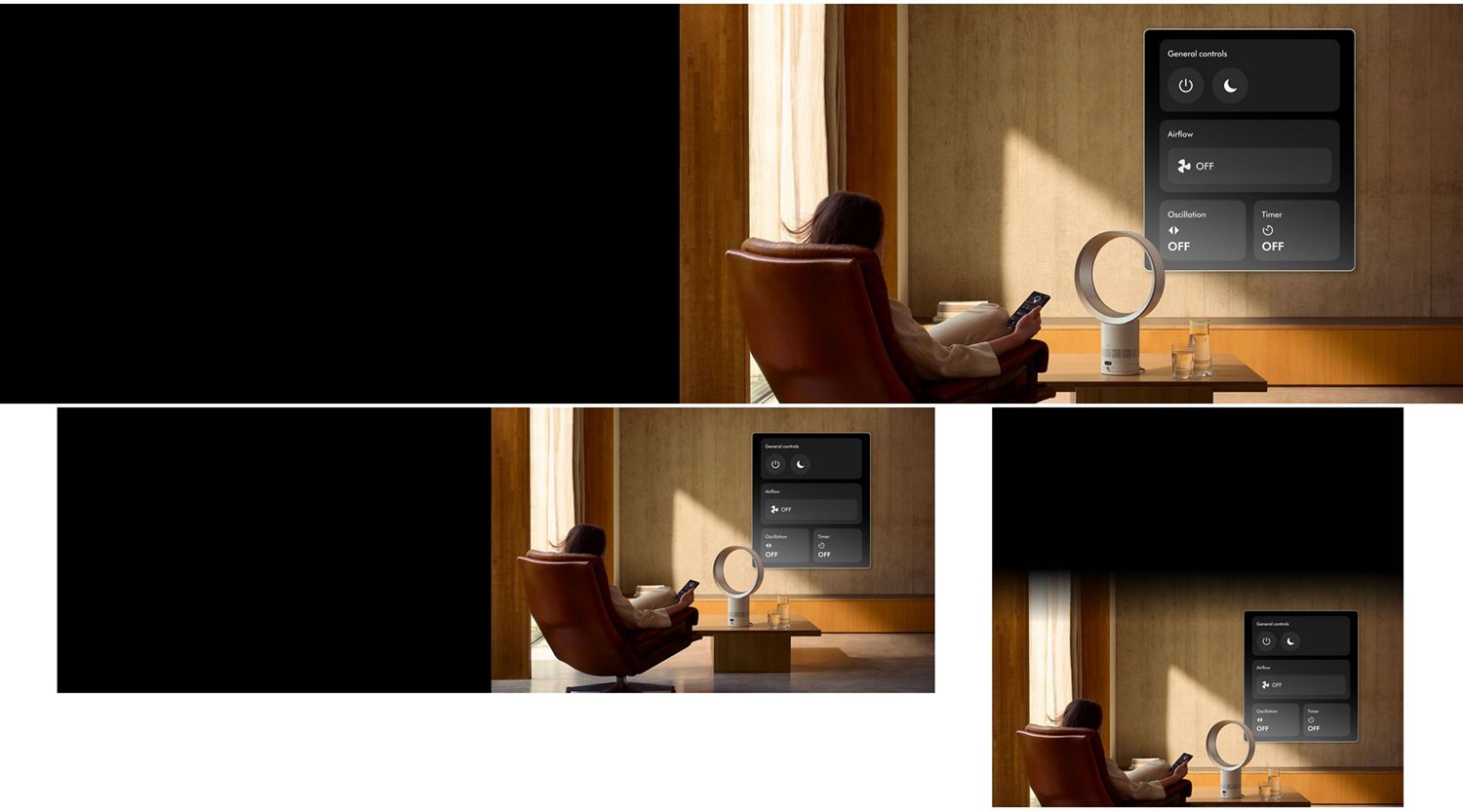
App control
Adjust airflow speed and oscillation. Activate Sleep mode and Sleep timer.
-
Scheduling
Set a seven-day schedule for your fan to operate at specific times.
-
Sleep timer
Program your fan to turn off after a chosen length of time, from 15 minutes to 9 hours.
-
Instant support
Helpful guides and assistance plus, a library of easy to follow how-to videos.

Frequently asked questions
No, we recommend that you always unplug the machine and carry it by holding the base.
No, the use of an extension cable is not recommended.