Getting started
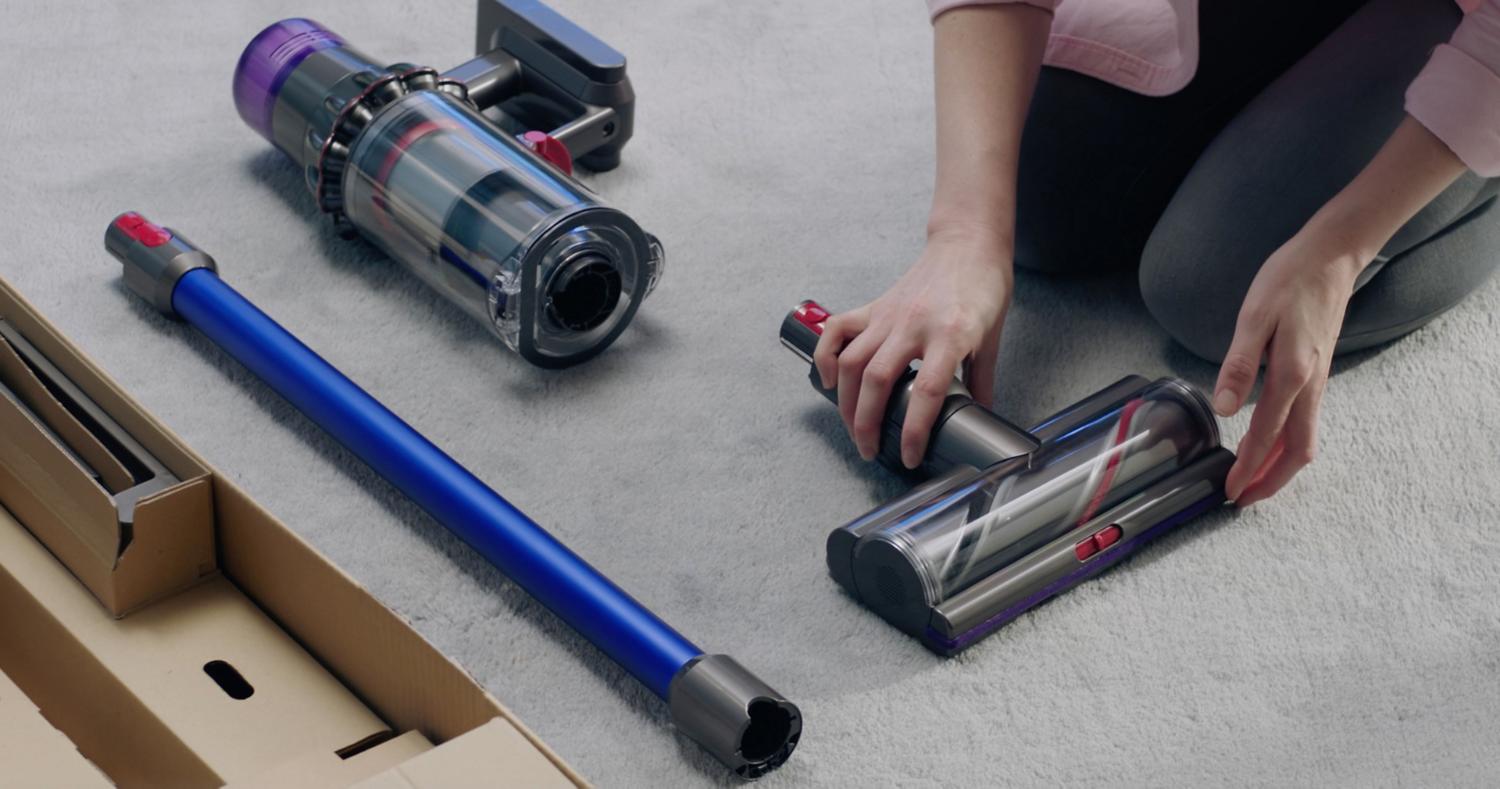
You can quickly get up and running with our step-by-step guide.

Using your machine
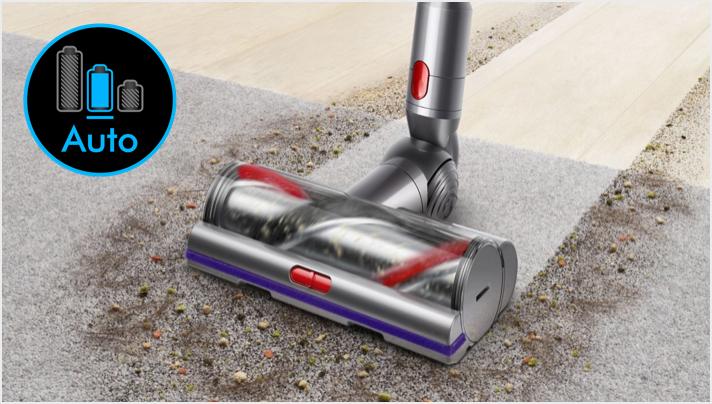
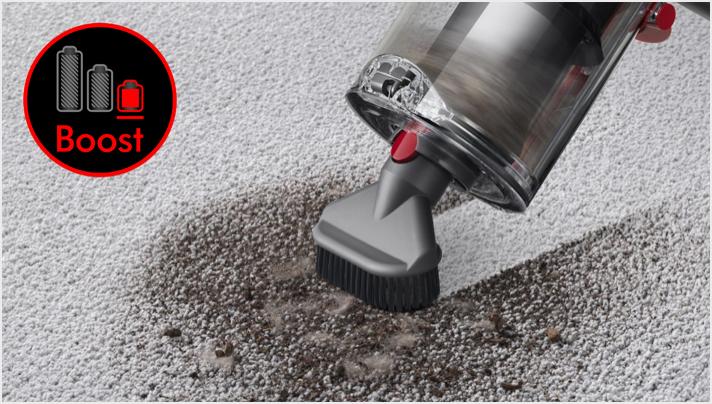
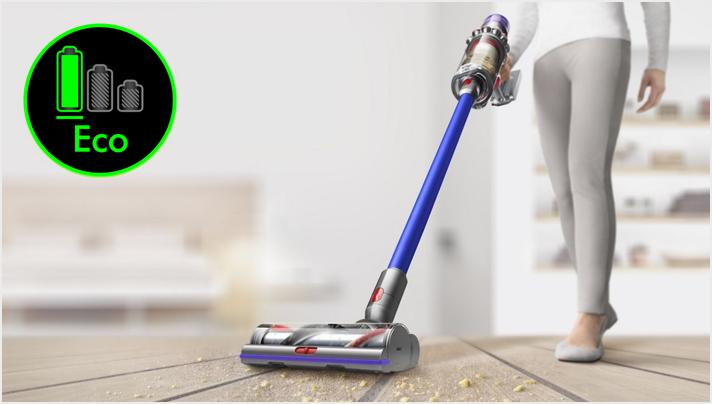
Understanding the three cleaning modes
Choosing the right tool for the task
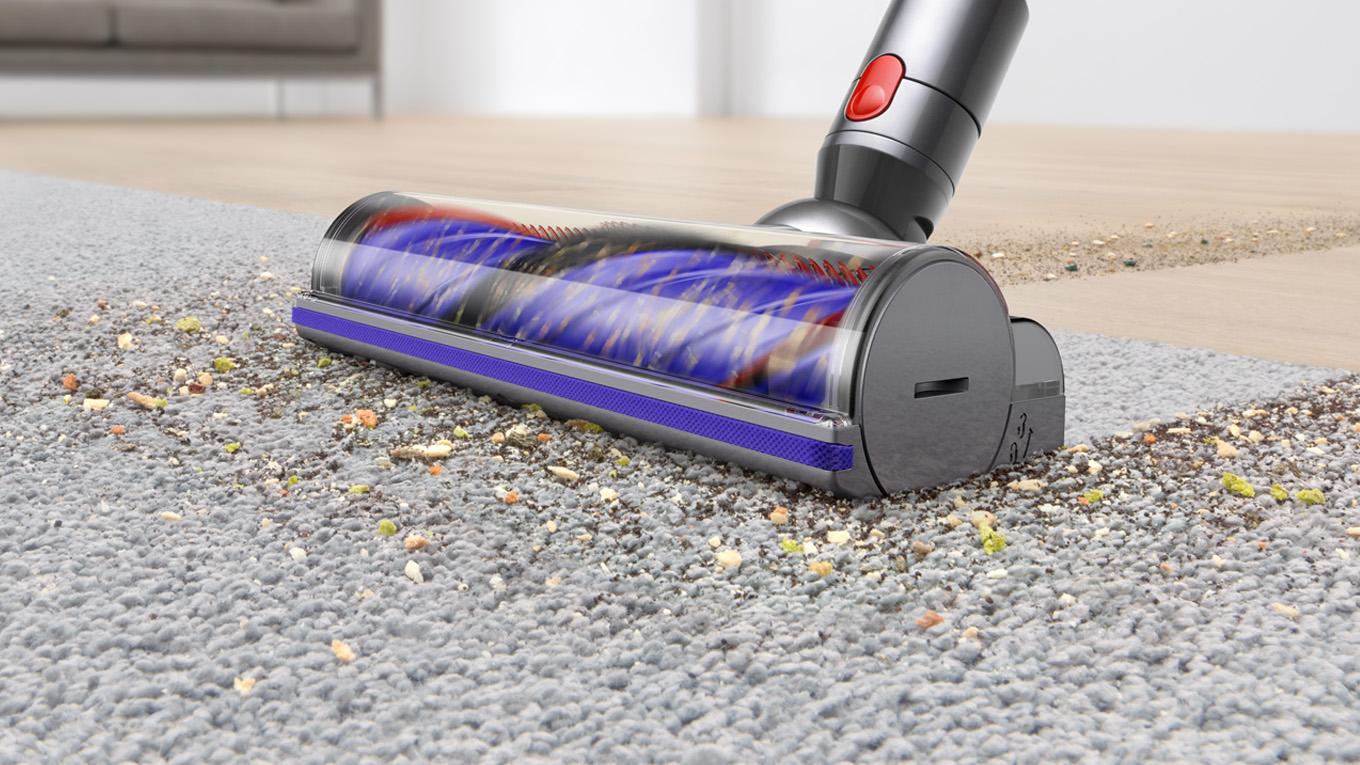
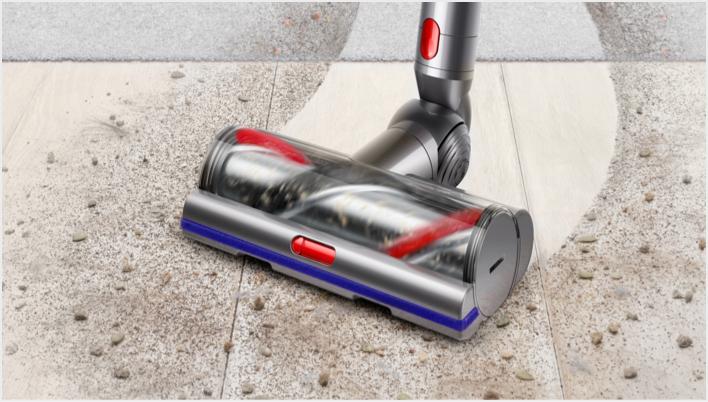
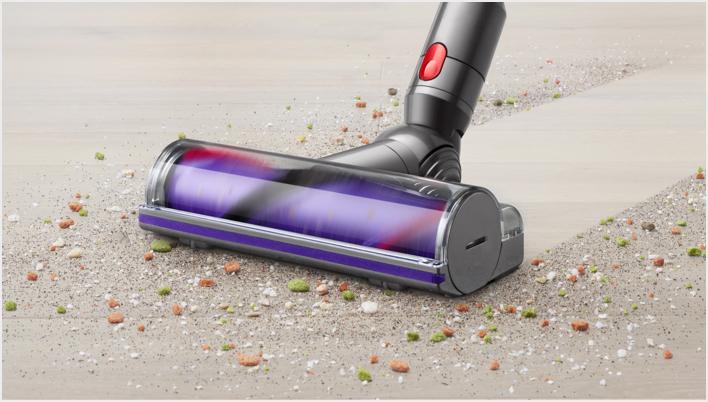
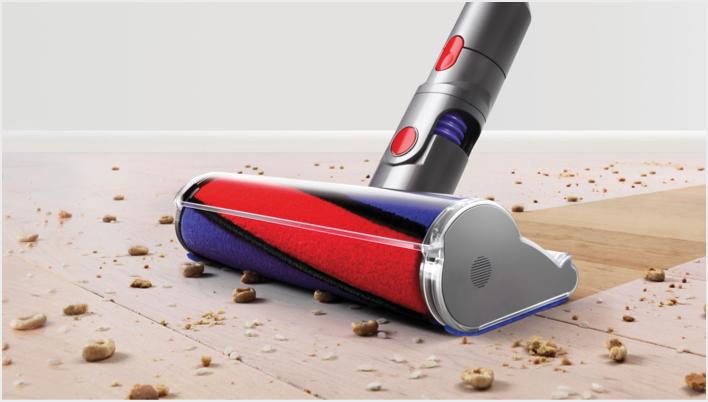
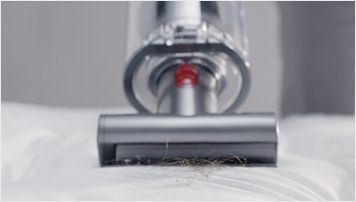
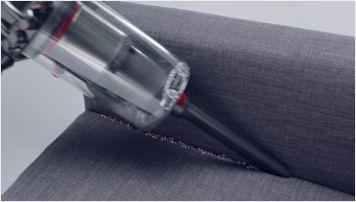
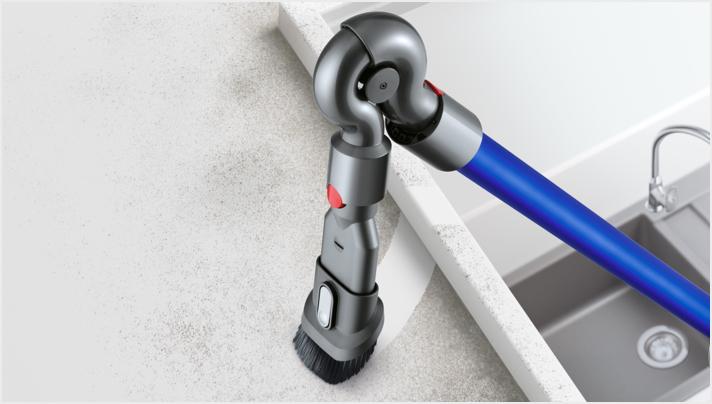
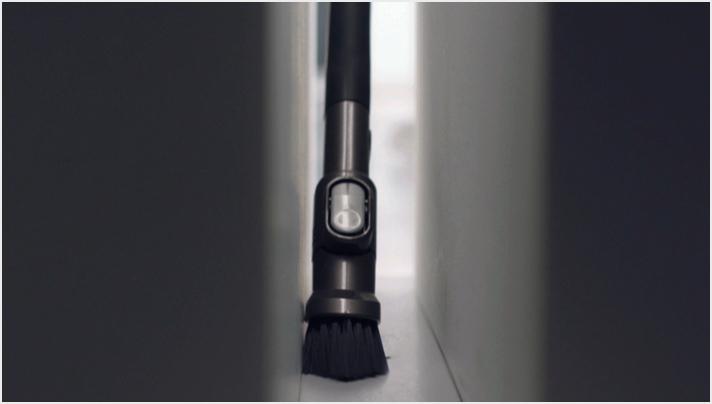
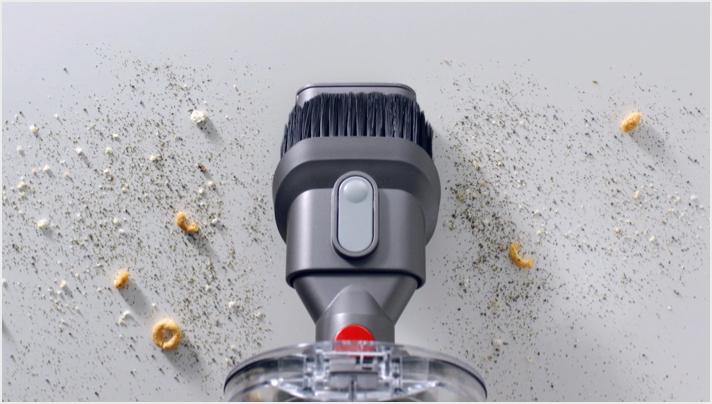
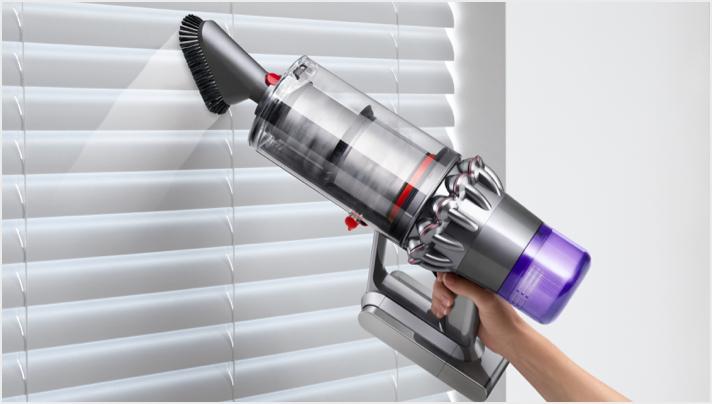
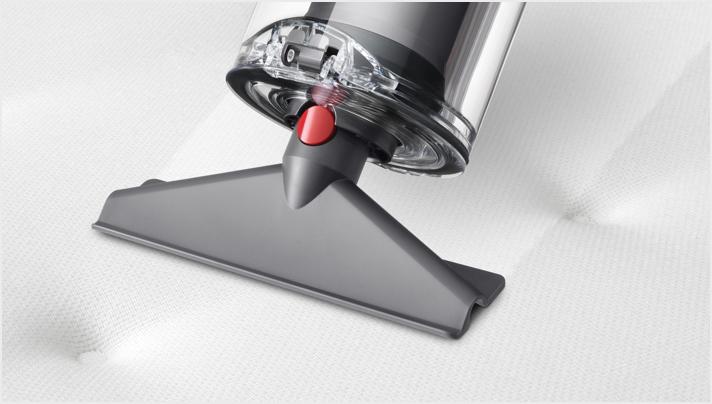
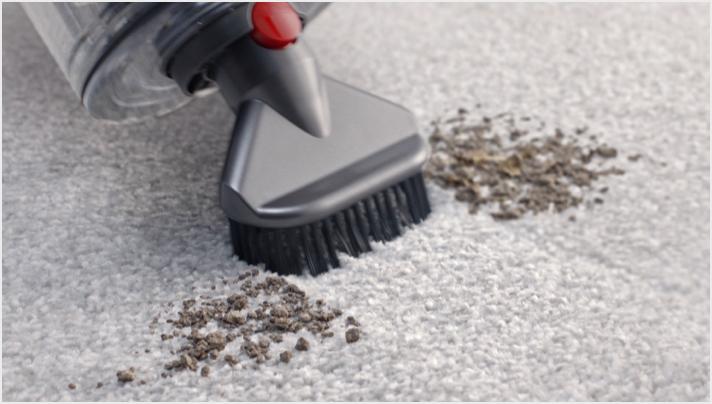
This is a carousel with slides. Use Next and Previous buttons to navigate, or jump to a slide with the slide dots.
Using the LCD screen
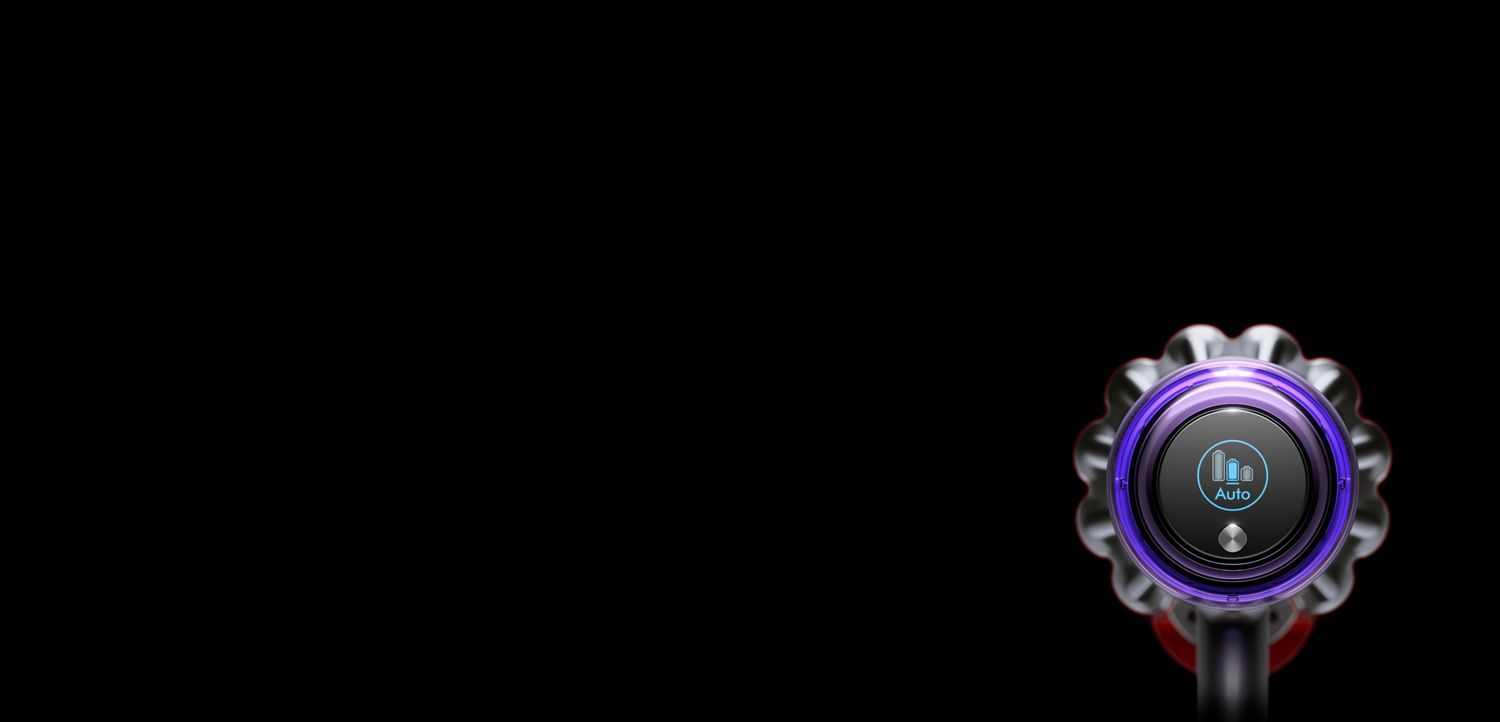
The LCD screen shows current performance, including selected cleaning mode, remaining run time, filter maintenance reminders and blockage reports.
Using the LCD screen
The LCD screen shows current performance, including selected cleaning mode, remaining run time, filter maintenance reminders and blockage reports.
See remaining run time
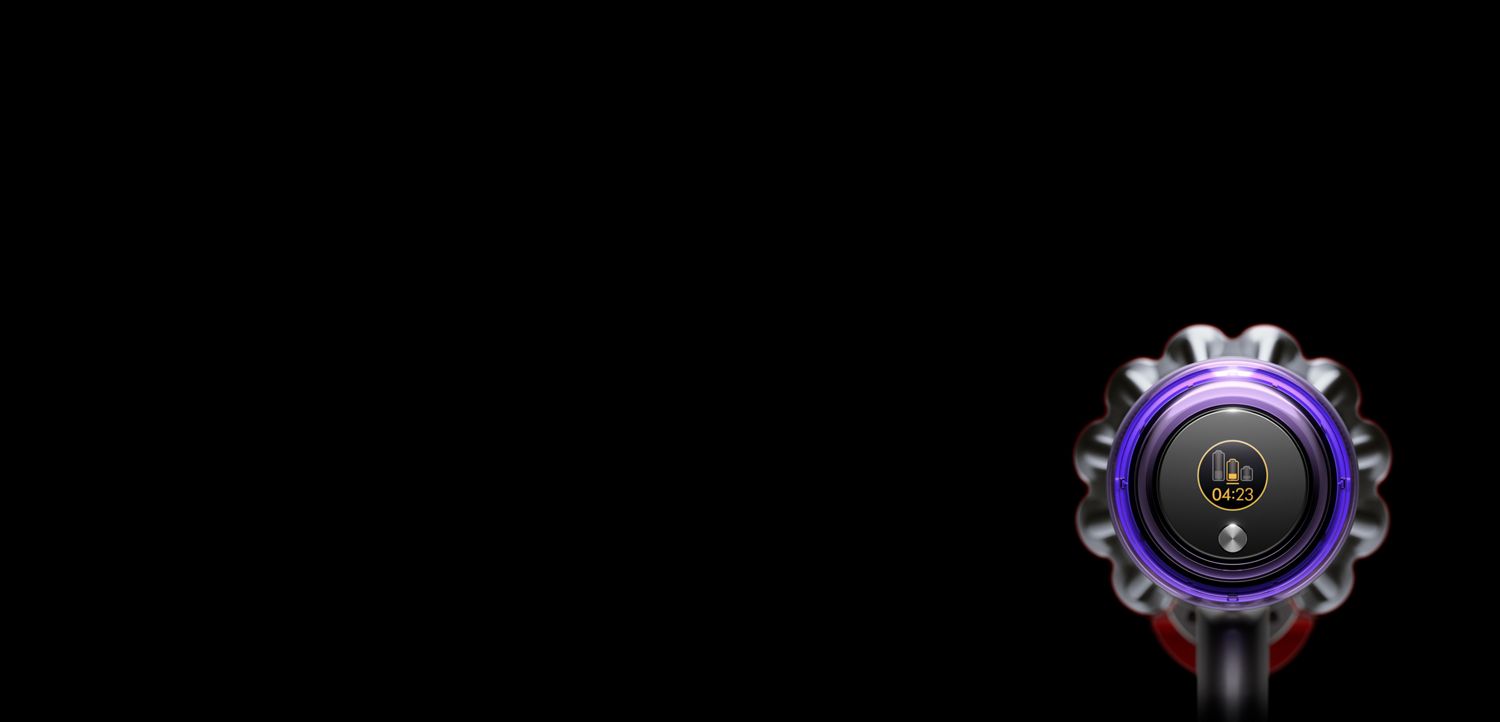
Pull the trigger for a few seconds to see remaining run time. The time displayed will take the cleaning mode, tool and floor type into account.
See remaining run time
Pull the trigger for a few seconds to see remaining run time. The time displayed will take the cleaning mode, tool and floor type into account.
Maintenance alerts
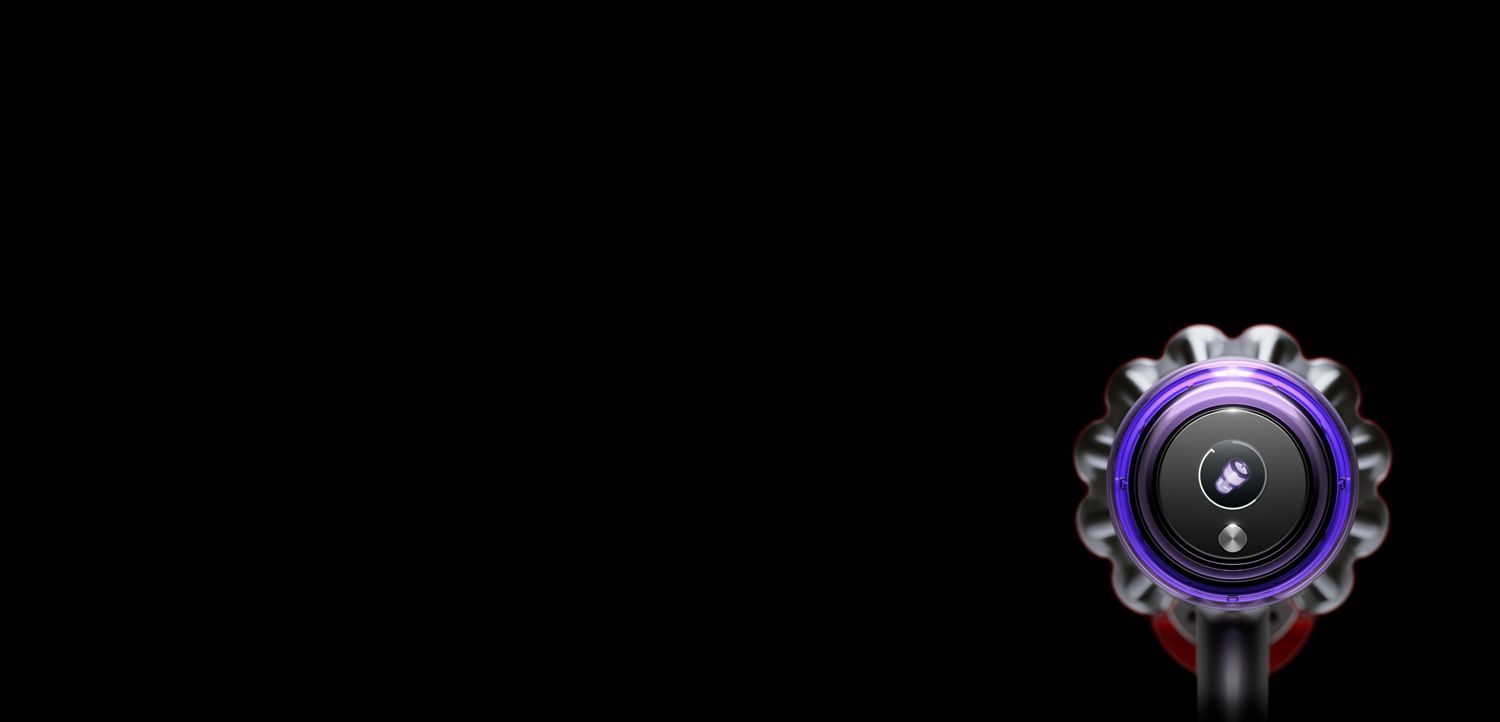
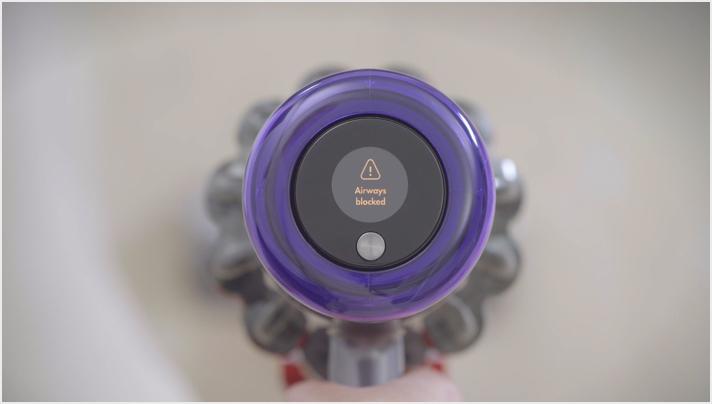
The screen will remind you when it's time to clean your filter to maintain optimum performance. It'll also inform you about blockages and how to clear them.
Maintenance alerts
The screen will remind you when it's time to clean your filter to maintain optimum performance. It'll also inform you about blockages and how to clear them.
Charging your machine's battery
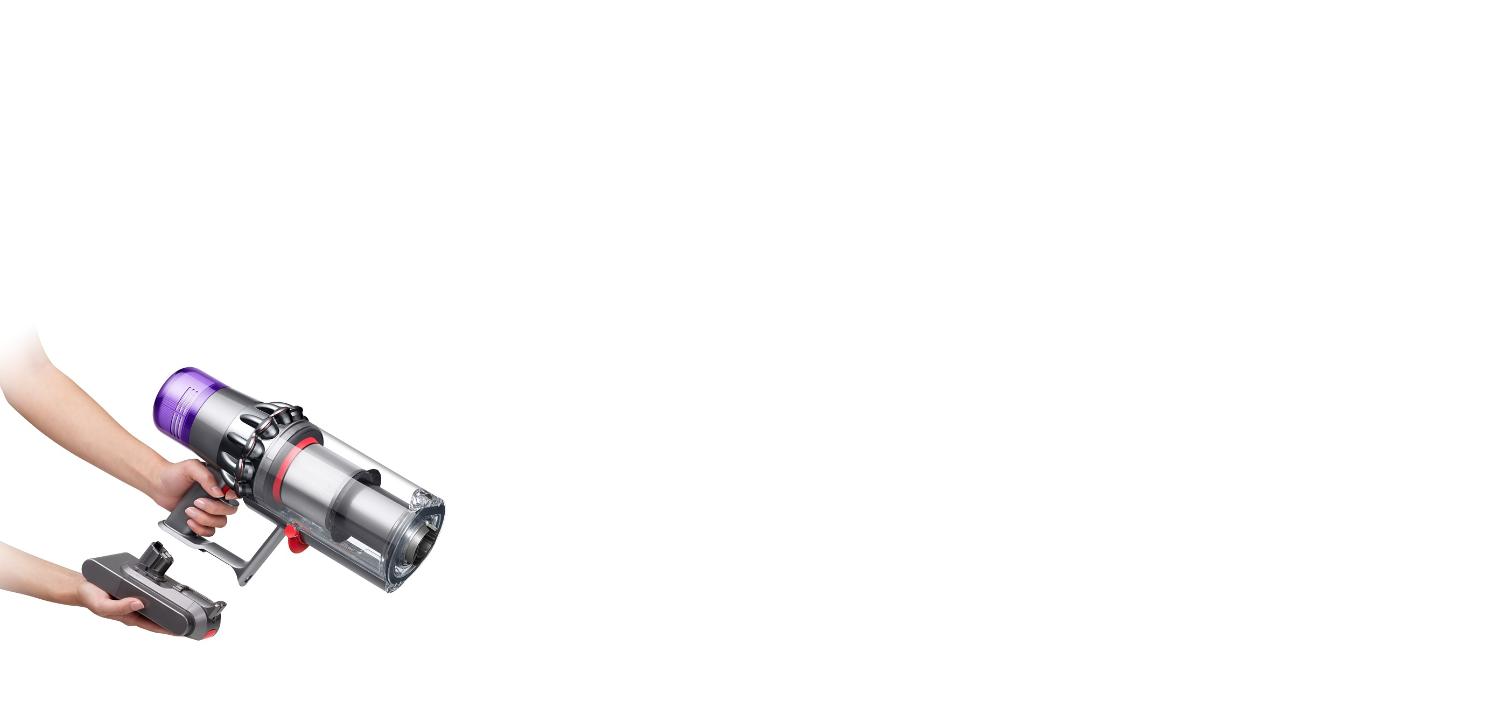
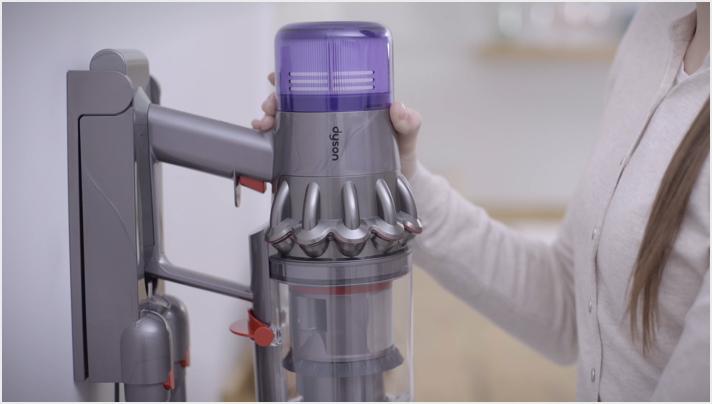
If your machine has a red catch on the battery, you can charge your battery on or off your machine, in or outside of the dock.

Maintaining your machine
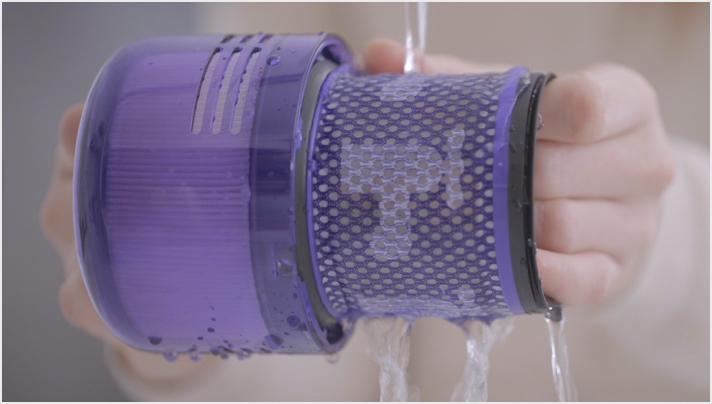
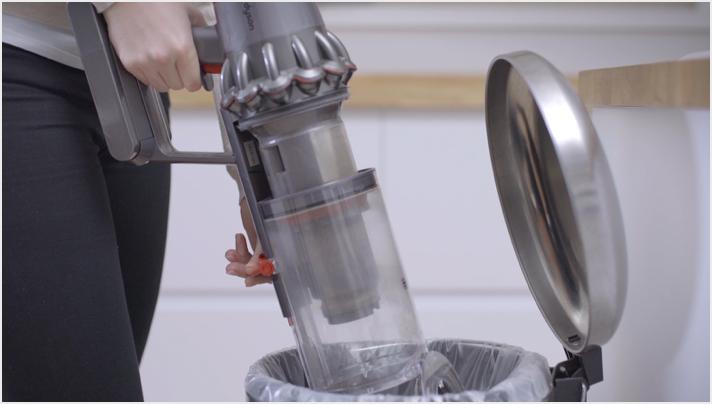
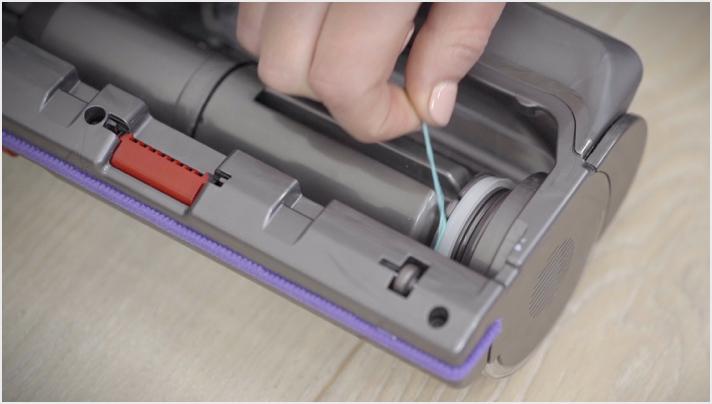
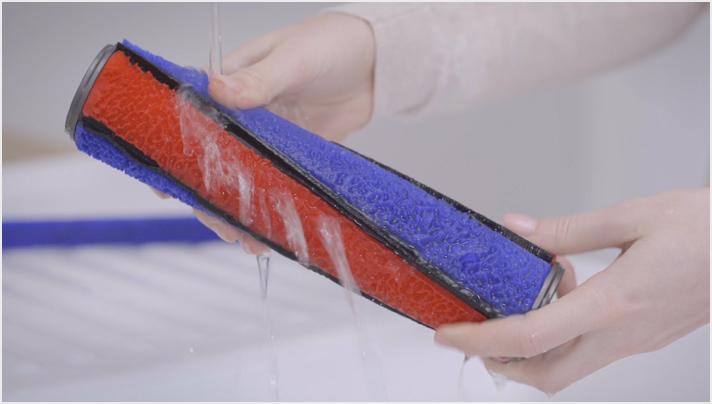
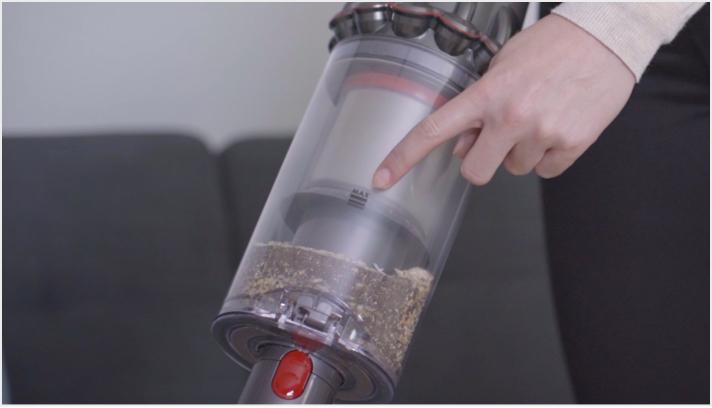
From clearing the brush bar to washing the filter, our quick guide will help you keep your machine working at its best.

Useful tips

Frequently asked questions
The screen on your machine will remind you when it's time to clean your filter. This will usually be around once a month, but may be more frequent if you use your machine heavily. After cleaning your filter, always leave it to dry for at least 24 hours. Ensure it's completely dry before refitting on your machine. We strongly recommend following the cleaning instructions and cleaning by hand. The filter is not suitable for dishwasher use.
A full charge takes up to 4.5 hours.
We recommend fully charging a spare battery soon after purchase, and alternating batteries regularly to prolong battery health.
The battery is designed to be left on charge permanently, and this will ensure that the vacuum is fully charged when it's next used. Once the battery is fully charged, your machine won't use any more electricity.
We recommend fully charging your machine after every clean. This helps your vacuum's battery and monitoring system's algorithm to more accurately calculate and display remaining run time.
The LCD screen only uses up to 1.5 watts of power, which won't noticeably impact run time.
Your machine works independently and doesn't connect to the Dyson Link app.
Your machine will only adapt to different floors when the High Torque cleaner head is attached and it's in Auto mode. Other tools and modes are designed for specific tasks.
Both modes provide the optimal balance of power and run time. Auto mode only works with the High Torque cleaner head to automatically adapt between different floor types. Med mode is displayed instead of Auto mode when all other tools are attached.
Press and hold the selection button beneath the screen for between 5 and 10 seconds to view the language list. Then press the selection button to scroll through the list. When you reach your preferred language, press and hold the button for between 2 and 4 seconds. If you've selected the wrong language, press and hold the button when the cross is displayed to return to the language list. Or to confirm the languag+C157e, press the button to scroll to the tick and then press and hold.
You can use the switch on the High Torque cleaner head to further adjust the suction. Slide it towards the '+' for maximum suction for ground-in dirt and large debris on durable floor coverings. And towards the '-' for light dirt on deep pile carpets and delicate floor coverings, such as vinyl and lino. Leave it in the middle for dust and debris on carpets, rugs and hard floors.
Tools to tackle more
-

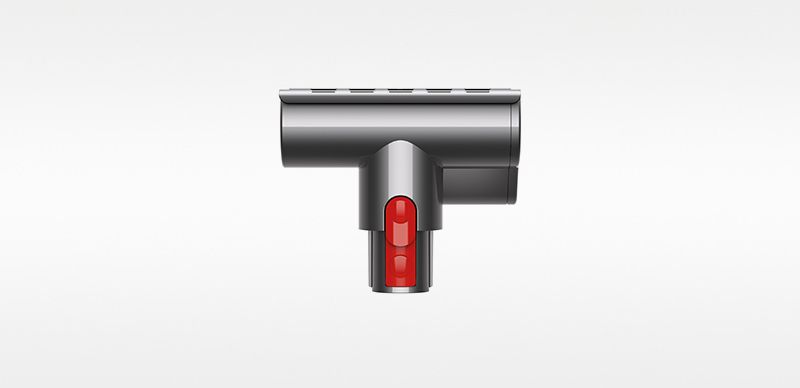
Mini motorized tool
Part No. 967479-05
Great for cleaning smaller surfaces, upholstery and stairs
Currently out of stock.
$83.99
-
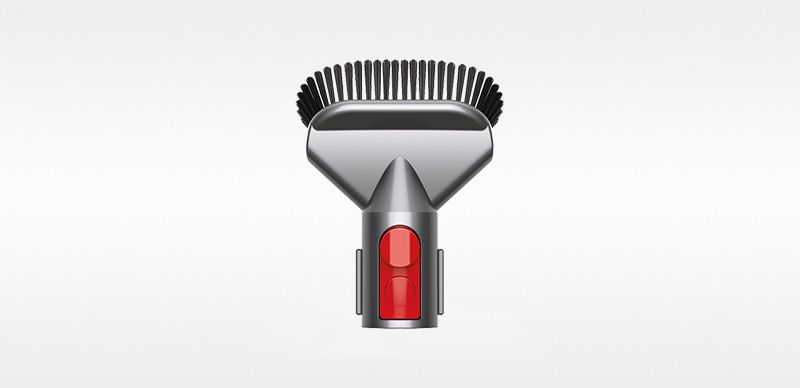
Stubborn dirt brush
Part No. 967765-01
Stiff nylon bristles dislodge stubborn dirt from floors and furniture.
Currently out of stock.
$20.99
-
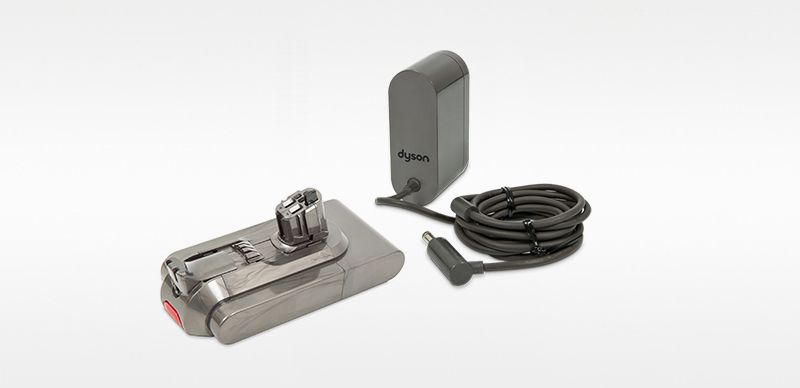
Extra click-in battery and charger
Extra click-in battery and charger
Part No. 970343-01
It’s important to understand which battery your V11™ requires. Before purchasing, we recommend you follow our online troubleshooting to ensure a replacement battery is required. Please be aware Dyson V11™ vacuums use two types of battery. Some use a click-in battery while others use a standard screw-in battery. You will be able to tell by checking your machine where the handle meets the battery. If there is a large red button that releases your battery from the main body, then your machine will need this click in battery. If this isn’t the case, please proceed by selecting the standard screw-in battery.
Out of stock
$219.99